OIDC-backed
The server authenticates users against your OpenID Connect provider and signs their SSH public keys into short-lived certificates. Group membership feeds the lifetime decision; it never appears in the certificate itself.
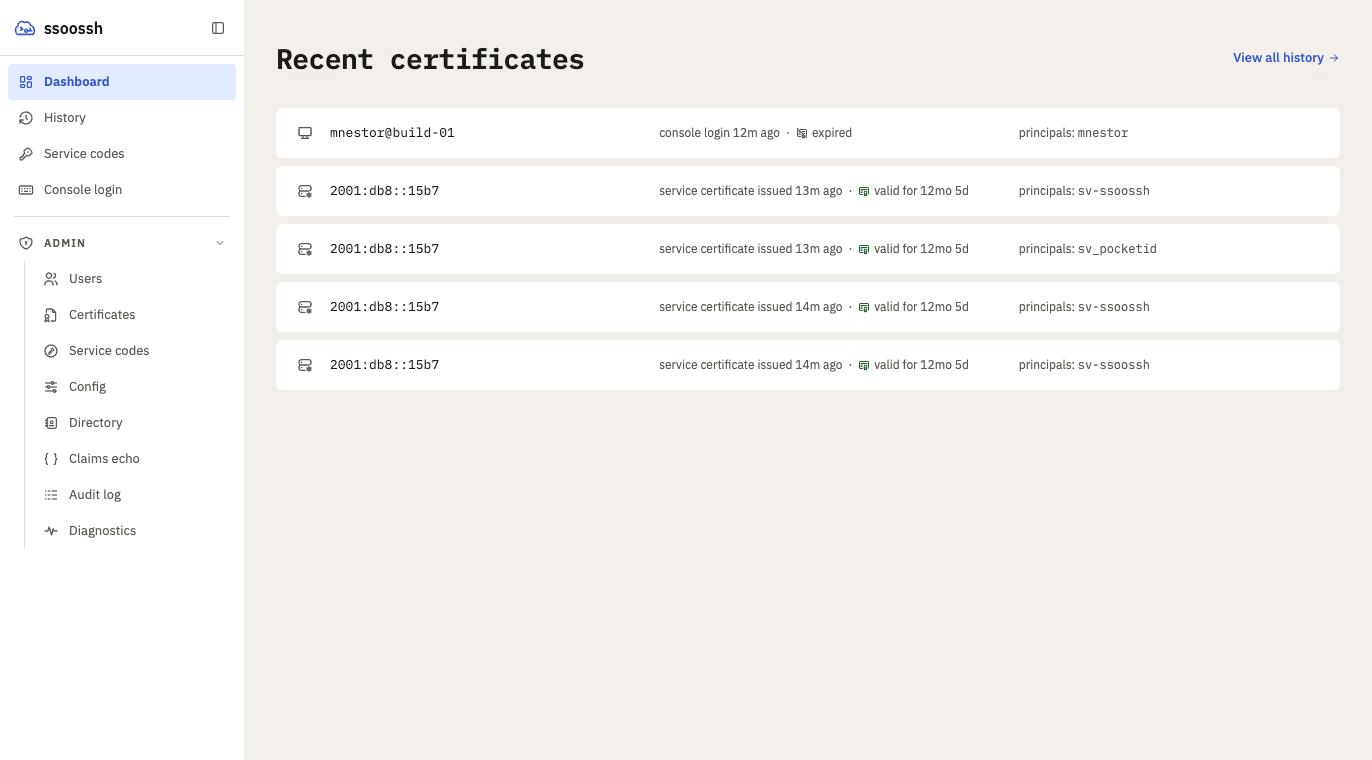
OIDC-backed
The server authenticates users against your OpenID Connect provider and signs their SSH public keys into short-lived certificates. Group membership feeds the lifetime decision; it never appears in the certificate itself.
Approval workflow
Certificate requests are approved and confirmed in a web UI, with per-user certificate history and admin, SOC, and auditor roles mapped from OIDC groups. Every decision lands in an append-only audit log.
sudo, su, and the console
pam_ssoossh issues a certificate for a local PAM authentication and
validates it on the host. A machine with a browser gets a URL; a serial
console or BMC viewer gets a short code and a QR code instead.
Service accounts
Unattended jobs enroll once, are approved by a human, and then reissue their own certificates on a schedule without anyone at a keyboard.
Private keys stay put
The client generates the keypair and loads the result into your ssh-agent. The server only ever sees public keys. The CA key can live in a PKCS#11 token so it never leaves the hardware.
SQLite or PostgreSQL
Runs as a single systemd service with SQLite, or as several instances against PostgreSQL with NATS carrying signing jobs to a signer that holds the CA key alone.
sequenceDiagram
    accTitle: The shape of a certificate login
    accDescr {
      The user runs ssh to a host. Through Match exec or ProxyCommand, ssh
      invokes the ssoossh client, which sends its public key and requested
      options to ssoosshd and prints an approval URL. The user opens it, signs in at the
      identity provider, which returns their identity and groups, and
      approves. ssoosshd returns a signed certificate; the client loads it
      into ssh-agent; ssh connects to the target host, which verifies the
      certificate against TrustedUserCAKeys.
    }
    autonumber
    actor U as You
    participant S as ssh
    participant C as ssoossh client
    participant D as ssoosshd
    participant I as Identity provider
    participant H as Target host

    U->>S: ssh host
    S->>C: Match exec / ProxyCommand
    C->>D: public key, requested options
    C-->>U: approval URL
    U->>I: sign in
    I-->>D: identity and groups
    U->>D: approve
    D-->>C: signed certificate
    C->>C: load into ssh-agent
    S->>H: connect with certificate
    H->>H: verify against TrustedUserCAKeys
The illustrated walkthrough shows each of these steps as the user sees them, and the flow pages show what the server and the host do in between.